

The Two Things That Control Access:
1) Roles → Your default access everywhere
A role defines what someone can do across the whole Caplena workspace. Think of a role as your “driving license type”, it gives broad permissions.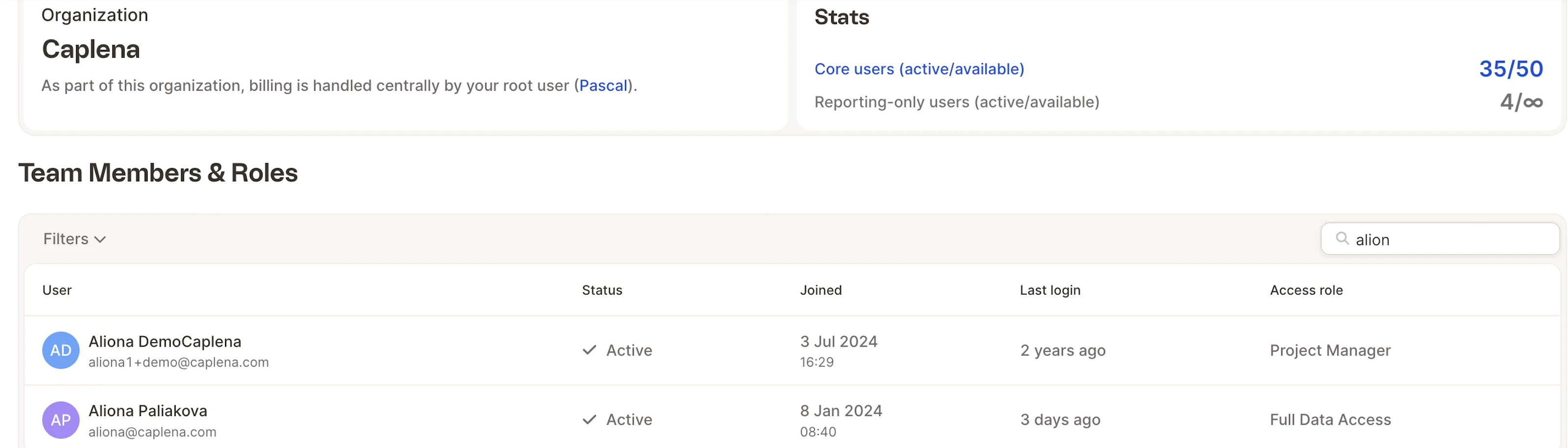
- Can the user upload projects?
- Edit topics and answers?
- Create reports?
- Spend credits on AI operations?
- Manage the team or subscription?
- Someone with Admin can access everything.
- Someone with Reporting Only can access only reports that are explicitly shared.
You can find more information on roles here.
2) Object-Level Permissions → Extra access to a specific project or report
These permissions are added individually to:- one project
- one report
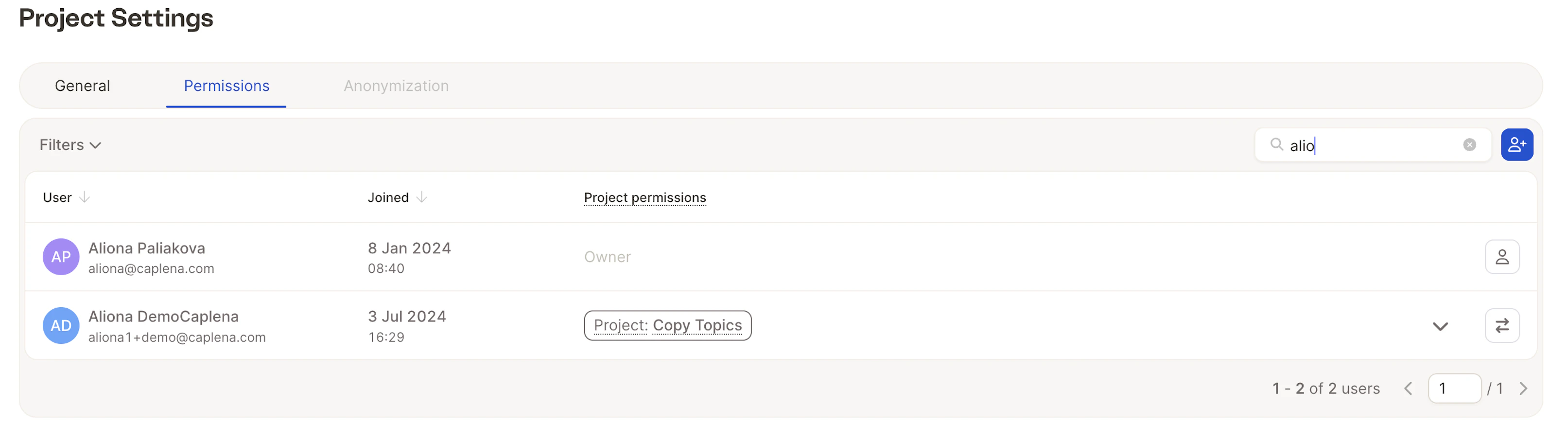
You can find more information on project permissions here.
How the Two Types Work Together
Caplena evaluates access in this order:- Role → global abilities
- Object-Level Permissions → extra access
- Permissions cannot restrict the role
- Access to a project automatically includes access to the reports inside it
- simplicity for admins
- flexibility for collaboration
- safety when sharing reports externally