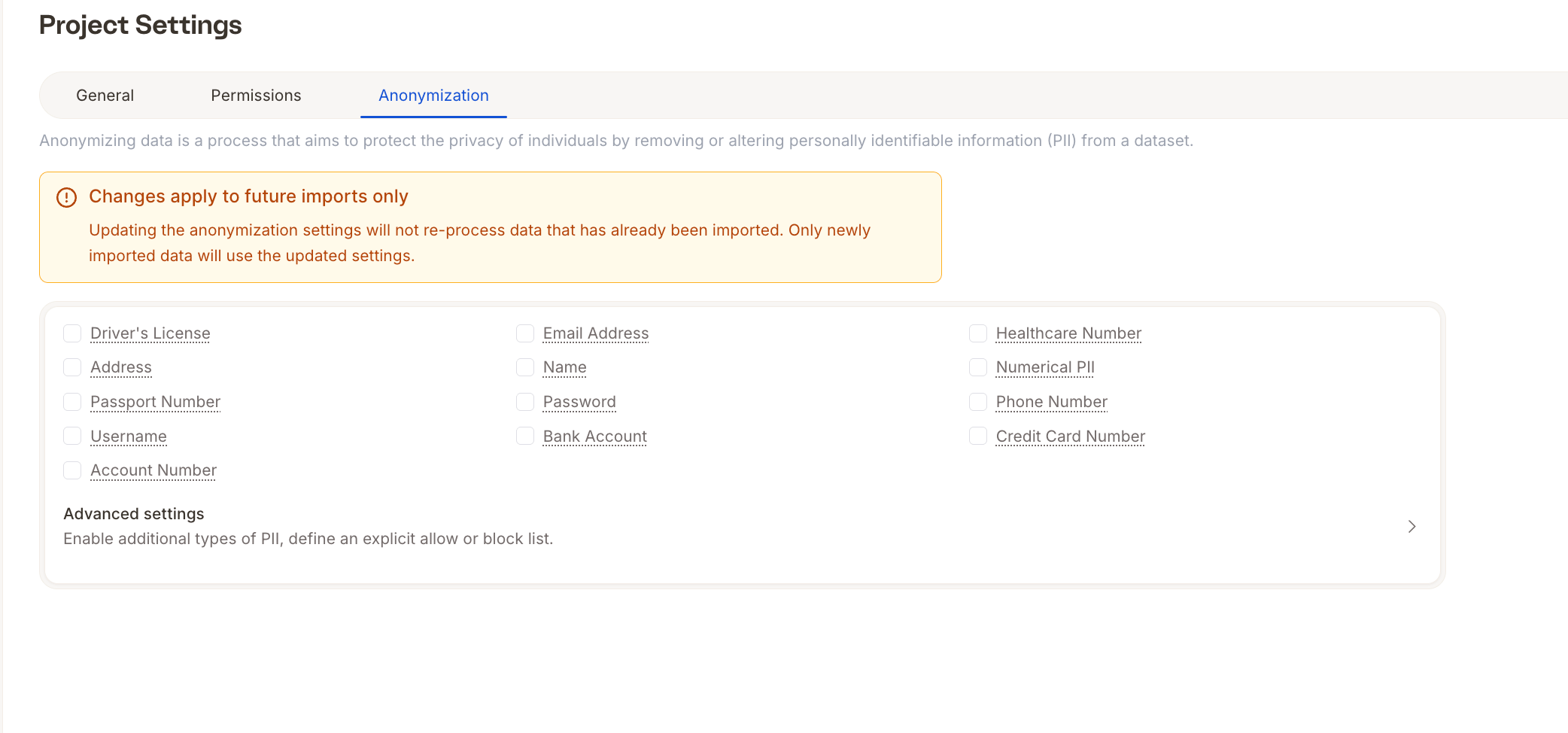
How to Access Project Settings
To open your settings:1
Open your project in Caplena
2
Click the gear icon (⚙️) in the left-hand menu
3
Switch between General, Permissions, and Anonymization tabs at the top
General Tab
Here you can adjust basic project-level behavior related to appearance and privacy.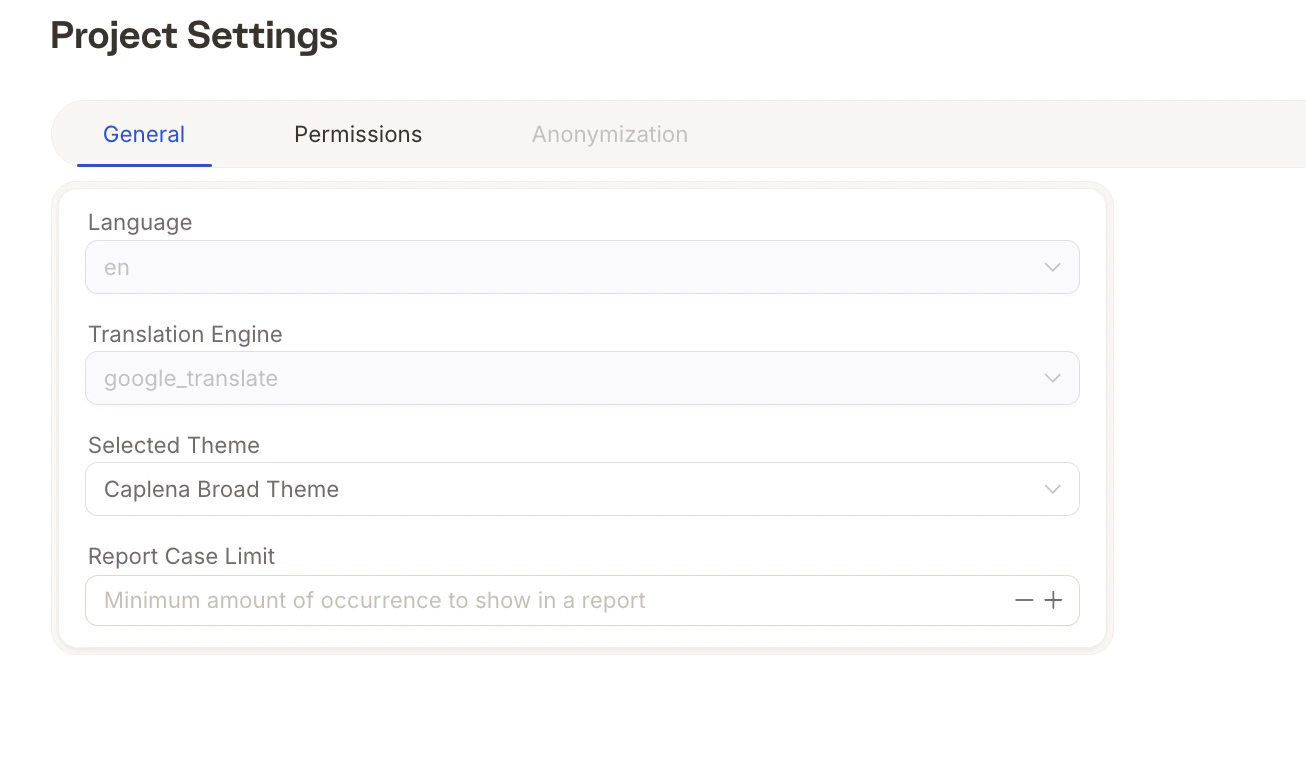
- Language & Translation Engine
The language and translation engine are selected during project setup. For more information, please follow this link.
- Selected Theme
Choose the visual theme for your reports. For more information, please follow this link. - Report Case Limit
A privacy feature that hides insights if there are too few responses for a segment. For more information, please follow this link.
Project Permissions
These determine what a user can do with the project data and its structure (e.g., topics, coding, imports). For more information, please follow this link.Anonymization Tab