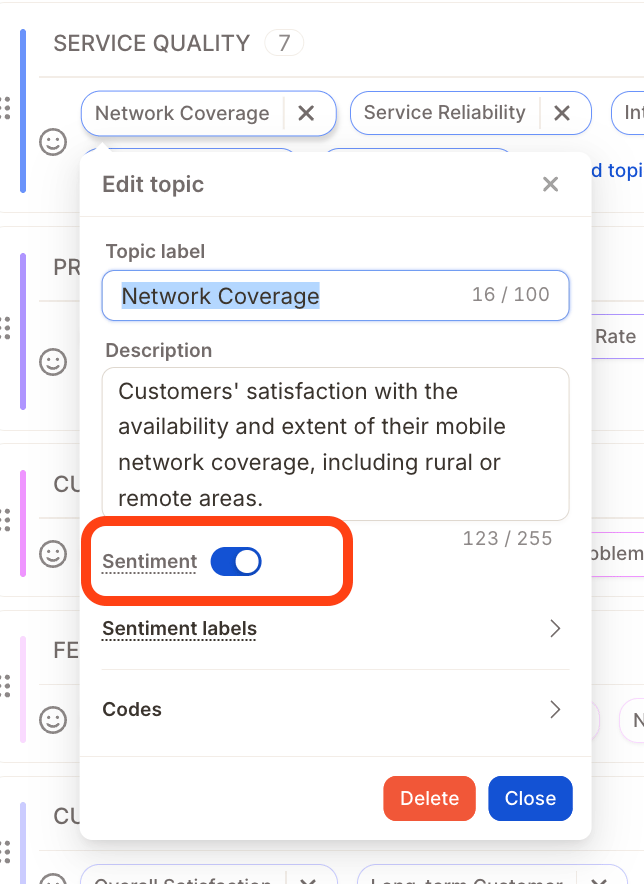
Category
A category is a high-level theme that groups related topics together, for exampleCustomer Service, Product Quality, or Pricing.

Categories are taken into account by the AI when assigning topics.
Topic
A topic is a specific idea or theme within a categorym what someone is actually talking about in their response. Topics are also referred to as codes, themes, or labels. Examples within a Customer Service category:Support ResponsivenessRefund ProcessProperty Communication
Topic label
The topic label is the short name you give a topic. It appears on topic chips throughout Caplena and is what the AI uses to recognize and assign the topic.The label directly affects AI accuracy, keep it clear and specific.
Topic description
A longer explanation of what the topic covers and when it should apply. Descriptions give the AI more context and are especially important for topics that might otherwise overlap.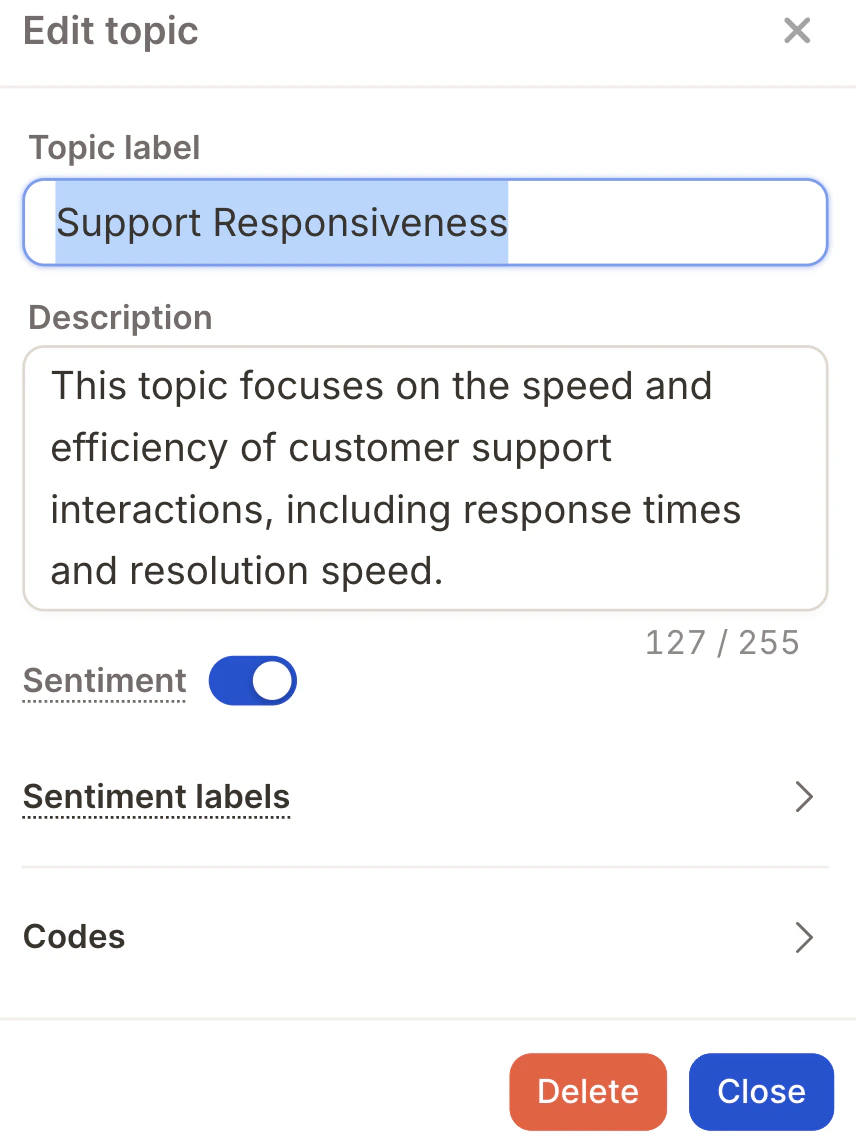
Topic descriptions are used by the AI when assigning topics, the more precise, the better the results.
Code
A code is a unique numerical ID assigned to each topic. Caplena assigns one automatically, but you can set it manually if you need to match an existing coding scheme.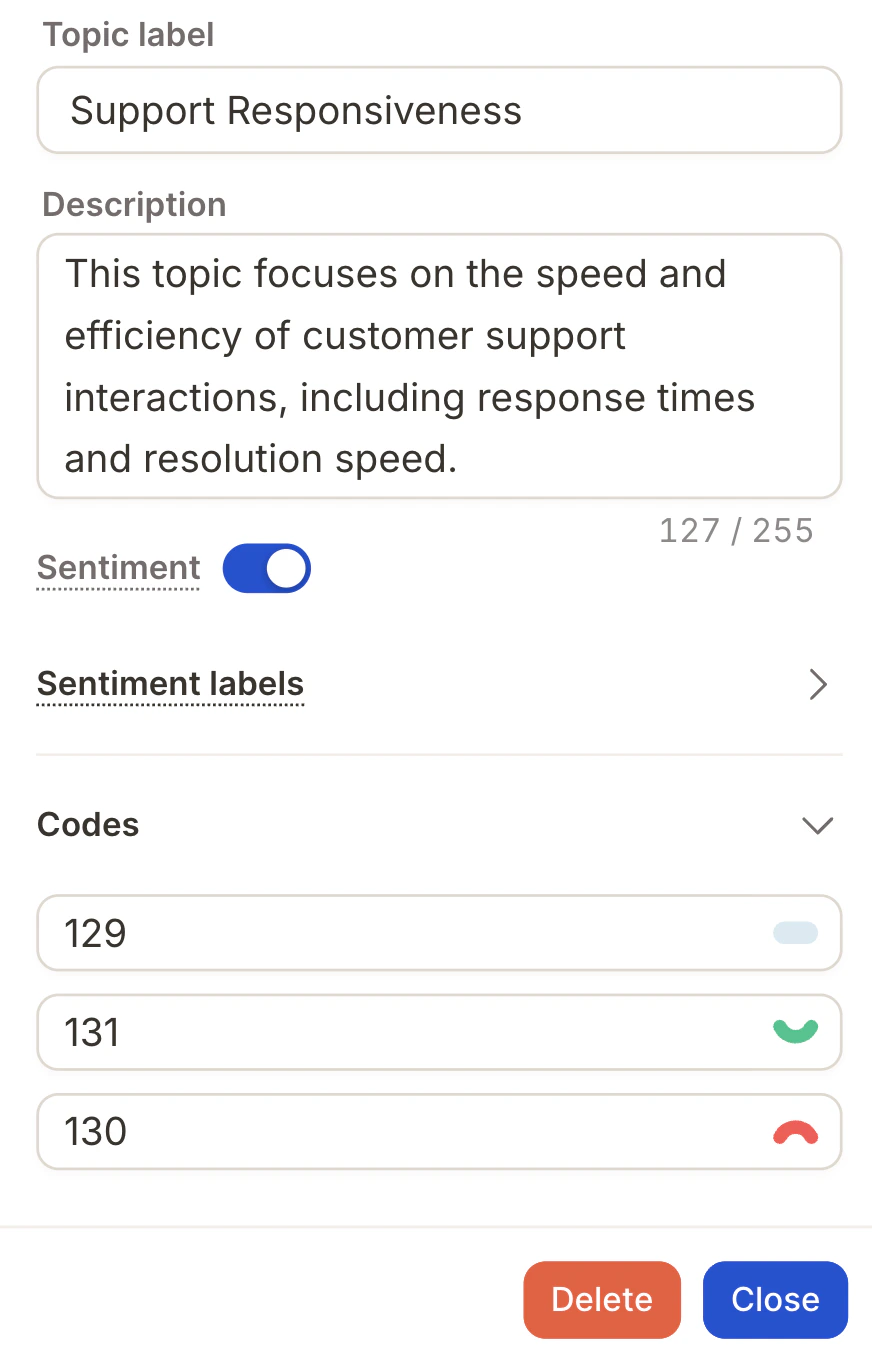
Sentiment
Sentiment adds emotional context to topics, classifying each response as positive, neutral, or negative. Instead of just knowing what someone talked about, you also know how they felt about it.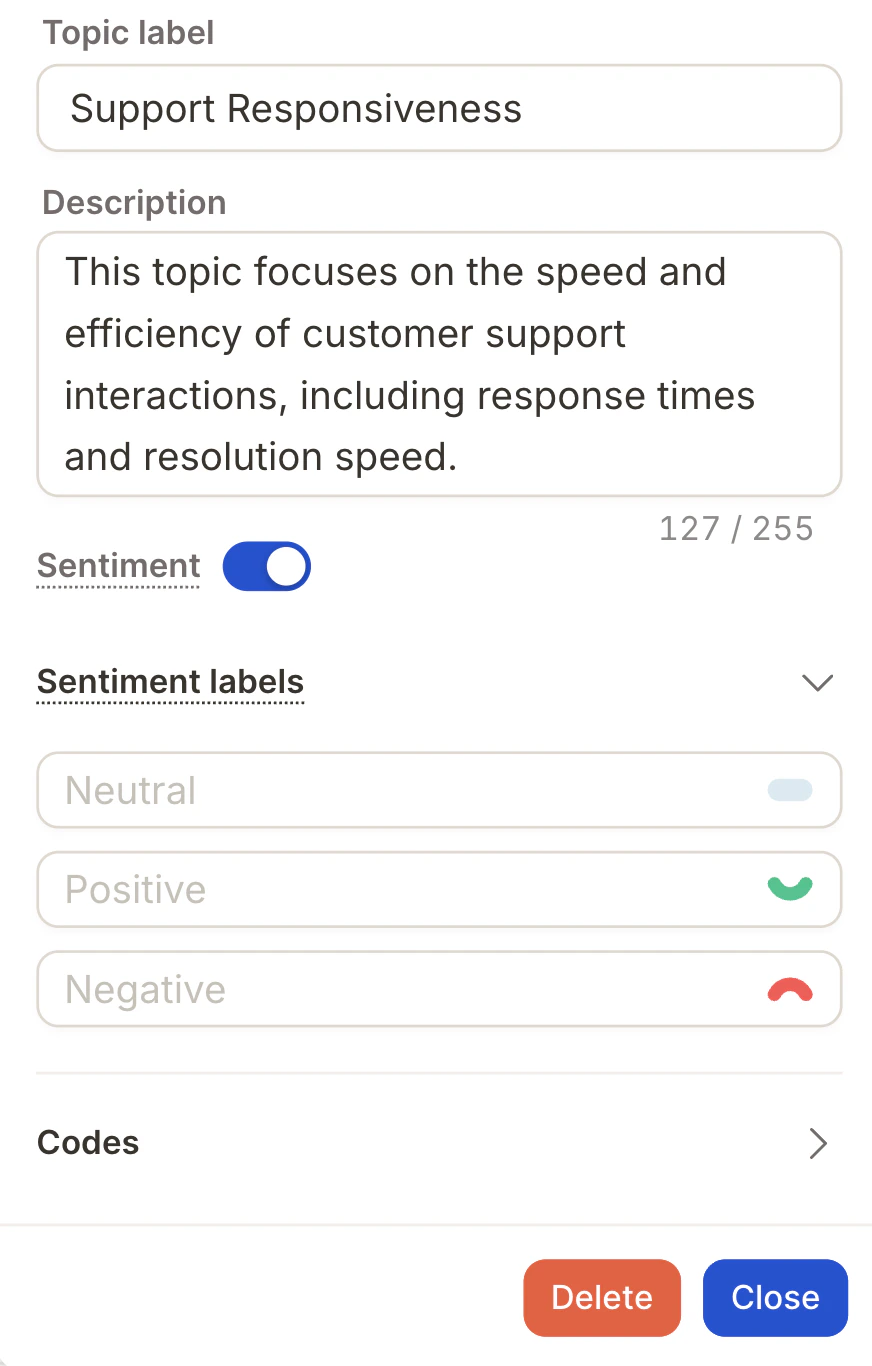
Support / Helpfulness – Positive→ “The team was incredibly helpful”Support / Helpfulness – Negative→ “No one responded to my request”
Support), the AI assigns the sentiment automatically.
Sentiment is optional. Turn it on for opinion-based data like NPS or CSAT. Skip it for factual data like feature requests or open suggestions.
Disabling sentiment
You can disable sentiment on a per-topic basis or across multiple topics at once. Single topic: Open the topic’s settings in the codebook editor and toggle sentiment off.