
Documentation Index

Fetch the complete documentation index at: https://docs.caplena.com/llms.txt

Use this file to discover all available pages before exploring further.

Caplena allows you to personalize your reports with a Custom Theme that reflects your brand identity. Whether you want to match your company’s color palette, align visuals across projects, or impress stakeholders with a polished look, custom themes are the way to go.
You can create and manage your theme in your Project Settings → Theme tab.

How It Works

  • Primary Color – used mainly for buttons and key interface elements
  • Gradient Colors 1–8 – used for data visualizations like charts and segments,
  • Additional Colors – up to 11 total colors to shape your visual story
It’s not currently possible to manually assign specific colors to specific topics, or brands. In other words:
  • You can set the palette
  • But you cannot say: “Brand A should always be blue”
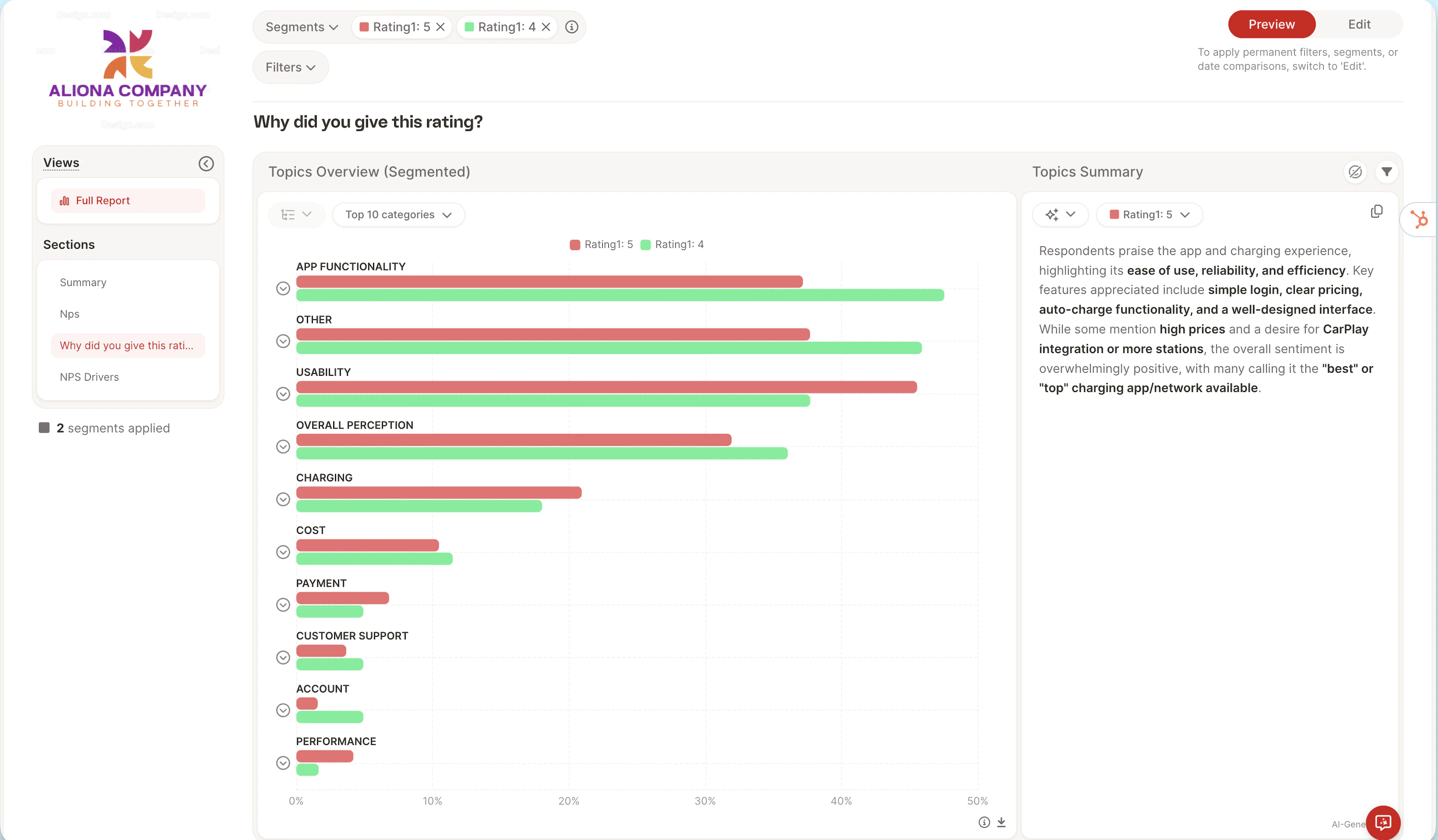
Screenshot 2026 05 24 At 11 28 17
Last modified on May 24, 2026