

- Scores & Ratings – For metrics like NPS or star ratings
- Drivers & Trends – To show what impacts scores and how topics evolve
- Topic Visualizations – To compare frequency or sentiment across topics
- Text-Based Elements – For summaries, notes, or verbatim quotes
- Distributions & Overviews – To display numerical or categorical patterns
How to Add an Insight Element
- Go to the Report Master.
- Click ”+ Add new insight element here”.
- Choose your desired element.
The single-score variants of NPS Score, Generic Score, and Star Rating are also available on projects without a Text to analyze column. When adding one of these elements, the Text to analyze selector is optional — leave it blank and the score gauge is shown on its own, so purely quantitative datasets can still use them.
Once you’ve added your Insight Elements, you can tailor both how they look and what they include.
View Options (Insight Elements Display)
View options control how the data is displayed. View options do not change the base of respondents.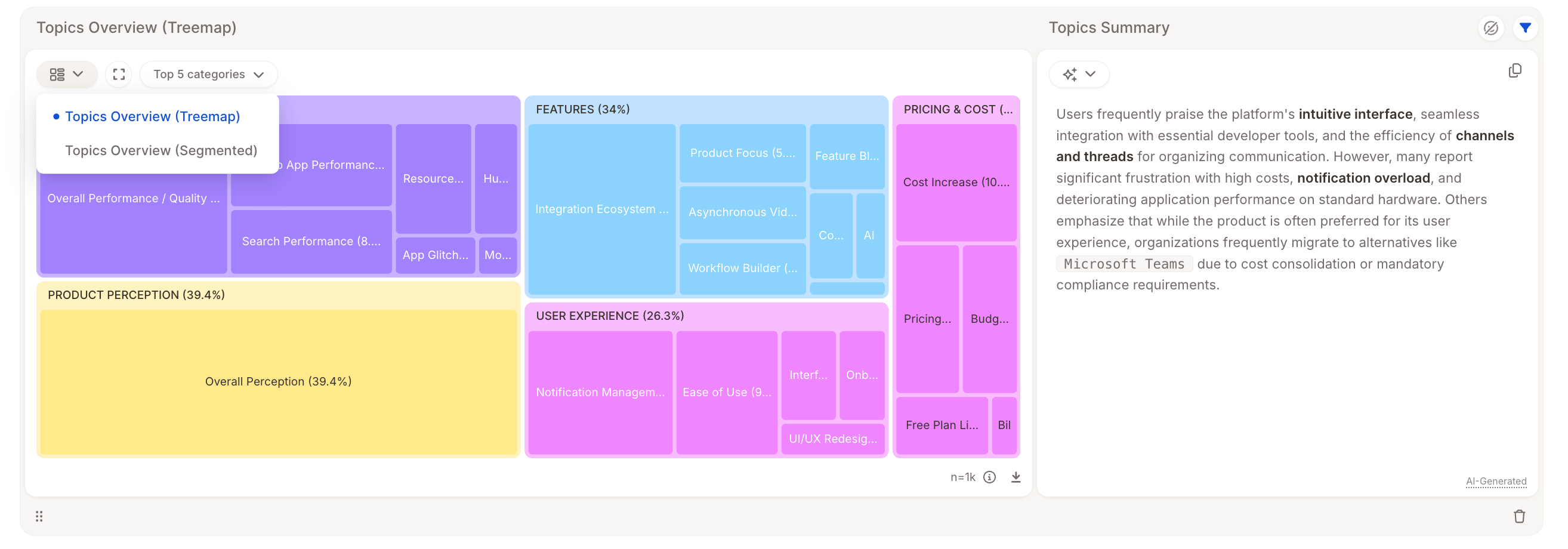
- Bar chart vs. treemap
- Segmented bar vs. breakdown layout
- Show “Top 10 Topics” or a specific category
Example: Switching from “Topics Overview (Segmented)” to “Topics Overview (Treemap)” presents the same data in a different layout, no change to the respondent base.
Displayed timeframe
For elements that pair a single-value summary (such as a gauge, score, or headline number) with a chart over time, you can choose which time period the summary value reflects. The setting only affects the summary, not the time-series chart next to it.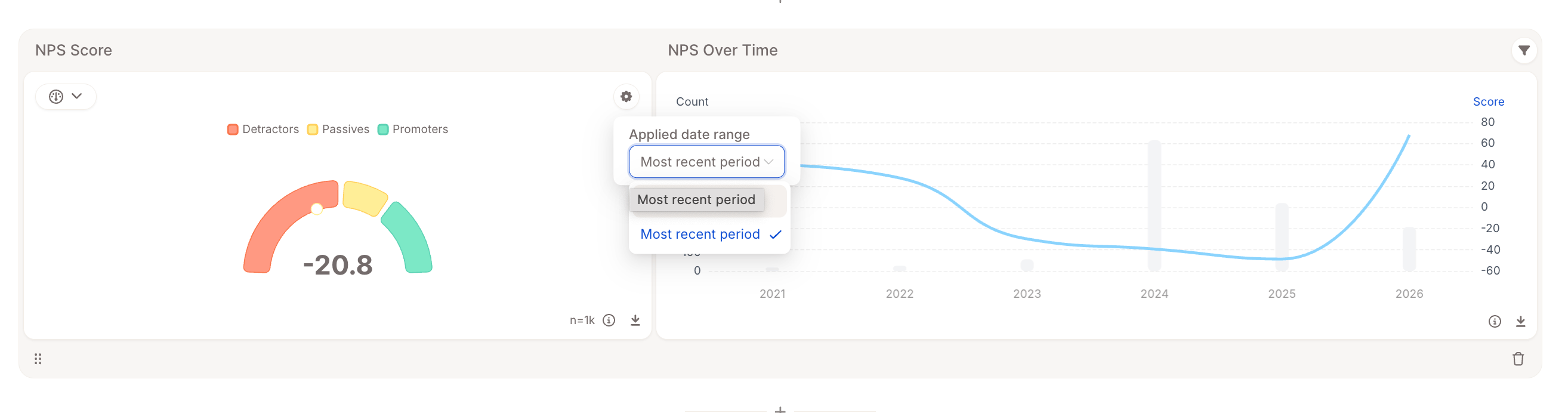
- Entire period – the summary is computed across all data in the report’s date range.
- Most recent period – the summary is computed only from the most recent time bucket (week, month, quarter, etc.) in the report’s date range.
- Overall Sentiment – the net-sentiment gauge and segmented bar chart
- Generic Score and Multi Score – the score gauge, pie, and segmented bar chart
- Row Count over time – the headline row-count number
- Topic Trends
Individual Filters
Each Insight Element lets you refine the data it shows, without affecting other elements in the report. These filters do change the base of respondents shown in that specific element.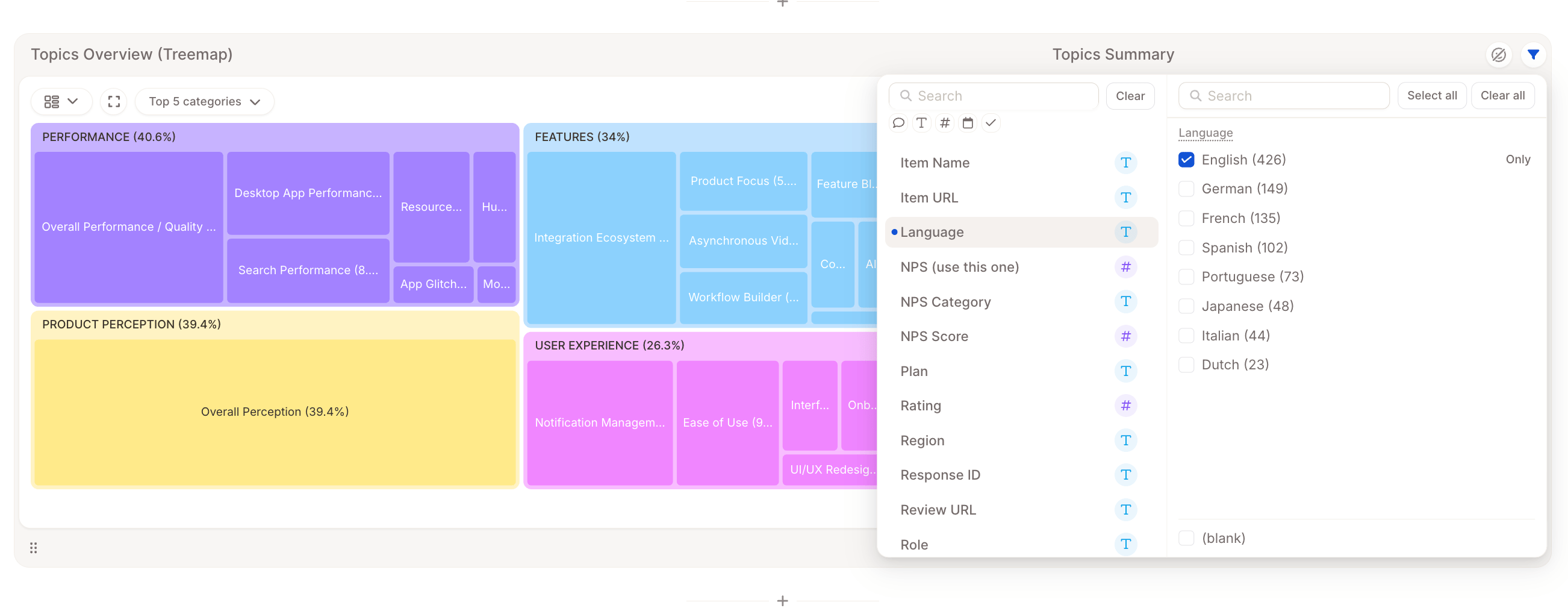
- Include or exclude specific topics or categories
- Skip empty rows
Example: Show only comments mentioning “flight delays” in a Topics Overview chart.