Why use the Markdown Block?
Markdown supports lightweight formatting syntax that helps you:- Structure content with headers, lists, and emphasis
- Embed images using simple syntax
- Create tables and columns to organize information
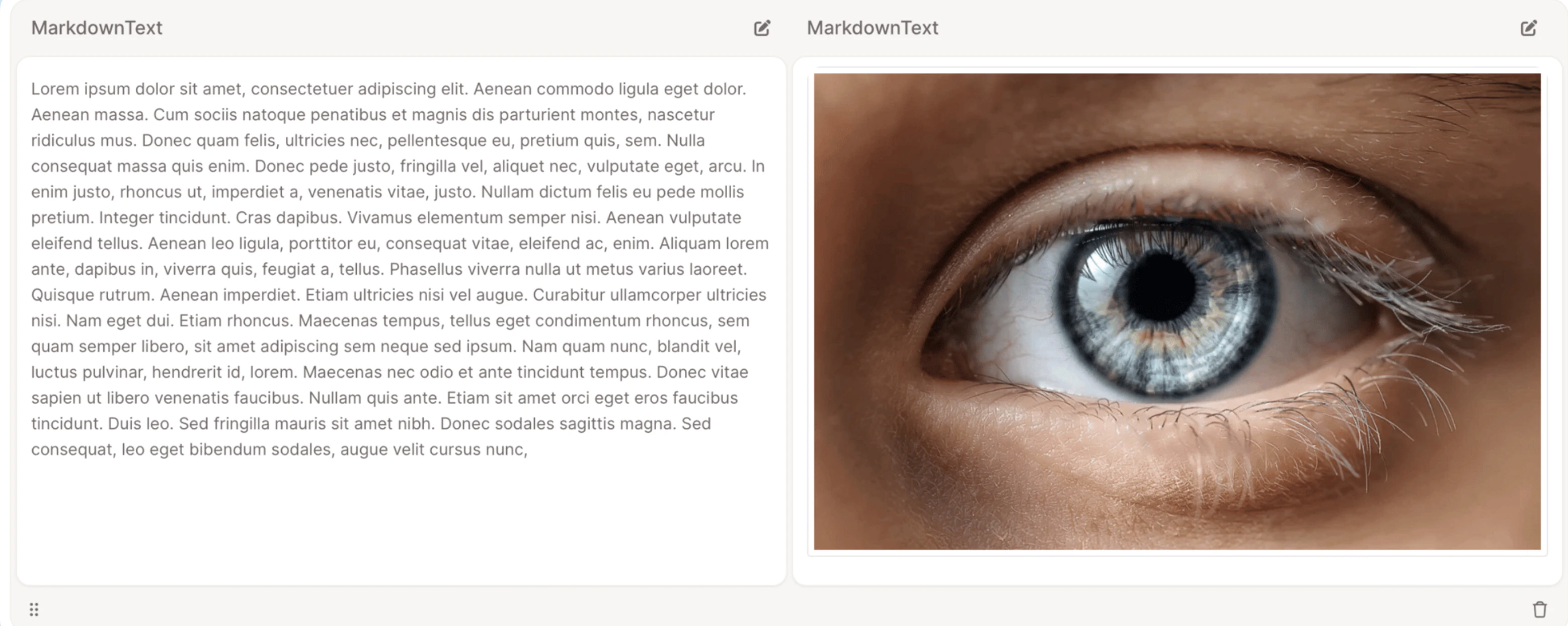
Creating a multi-column layout
One of the Markdown block’s most powerful features is multi-column formatting, perfect for side-by-side comparisons or content grouping.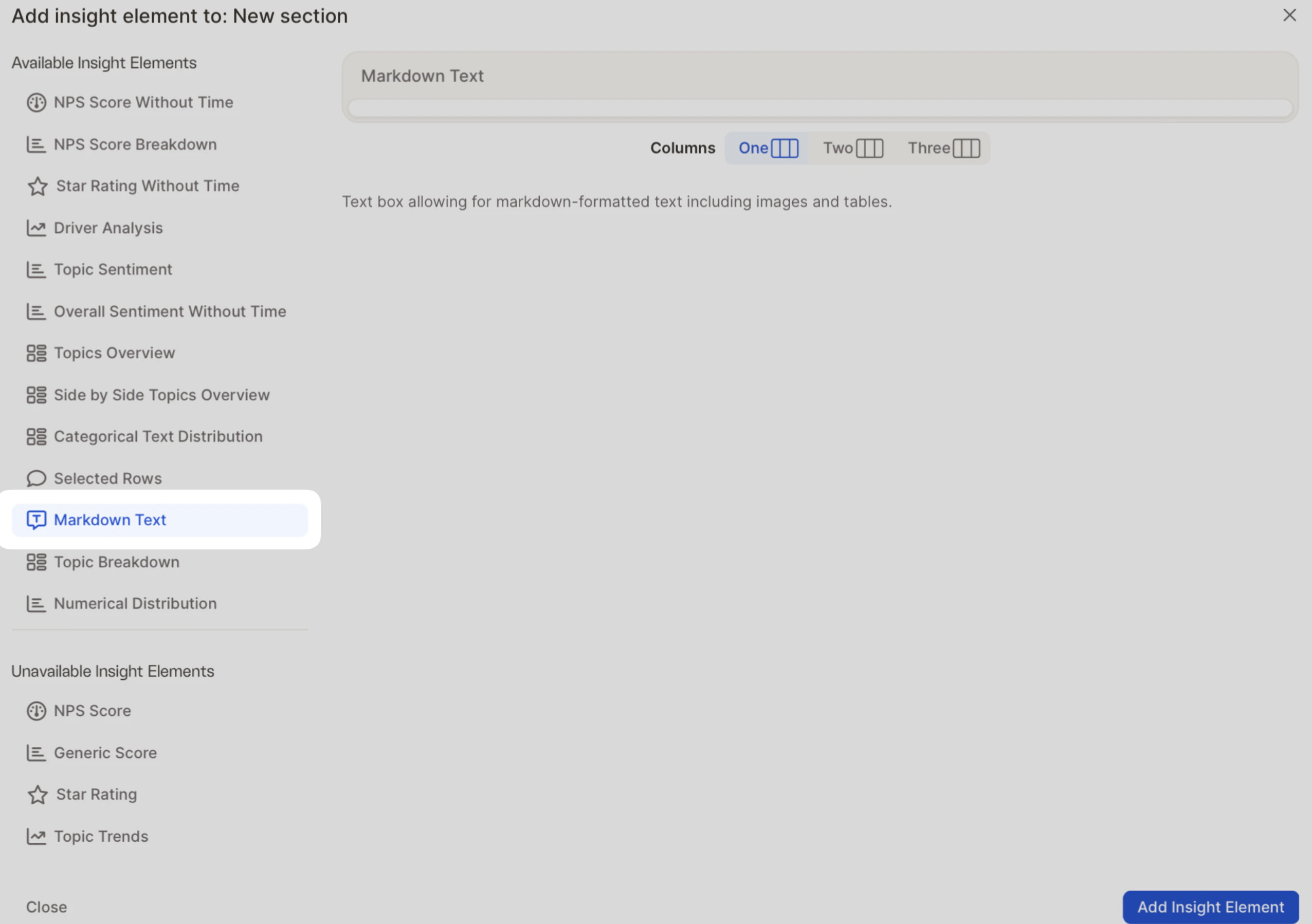
1
Choose the number of columns (1, 2, or 3).
2
Use Markdown tables to define the structure.
3
Add your text or images inside each column cell.
Prefer visual editing? Use the Rich Text Editor
If you’re not familiar with Markdown, the Rich Text Editor offers an intuitive formatting experience with:- Text formatting — bold, italic, headers, lists, and links
- Images — easily upload and place them in context
- Tables — create structured layouts visually
- Live preview — see changes instantly as you edit
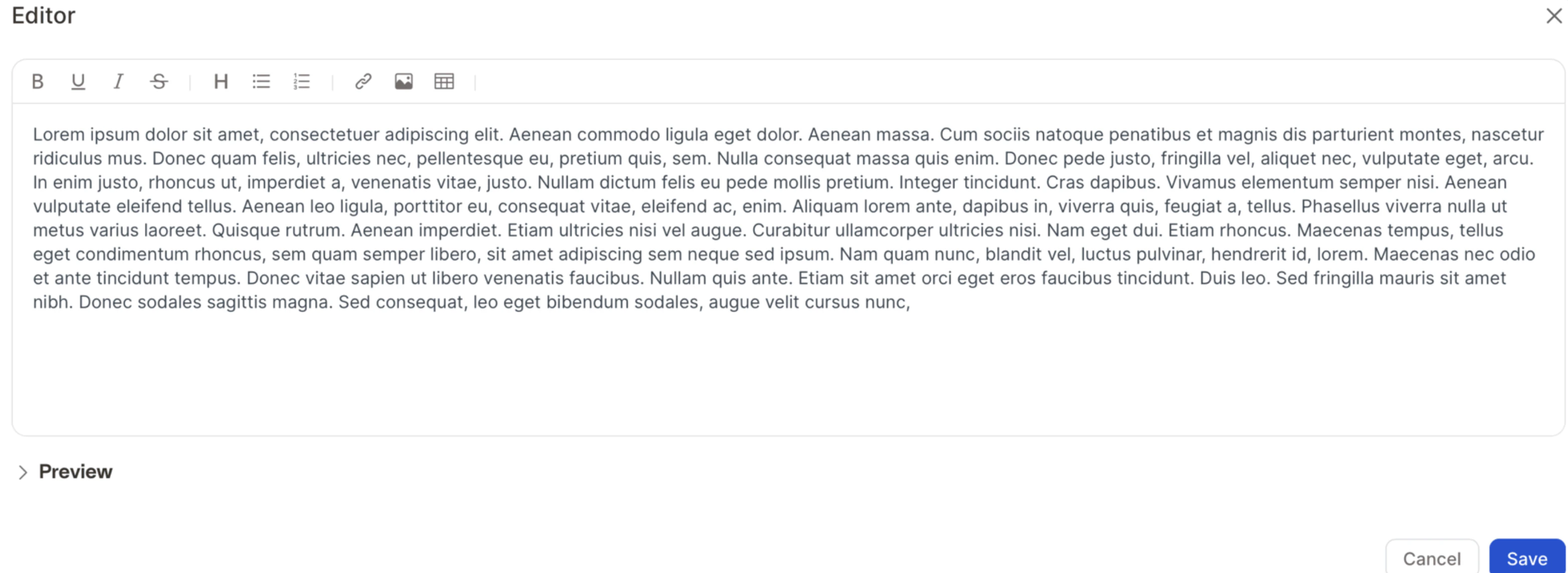
Image sizing and alignment
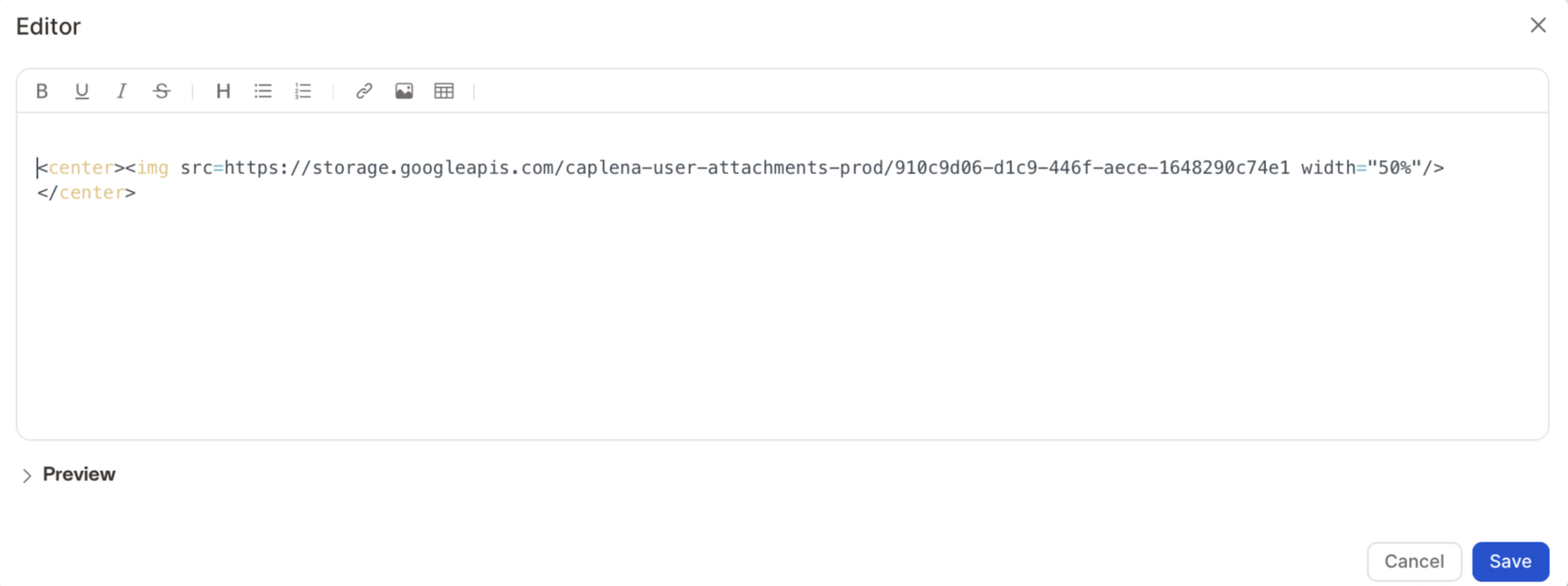
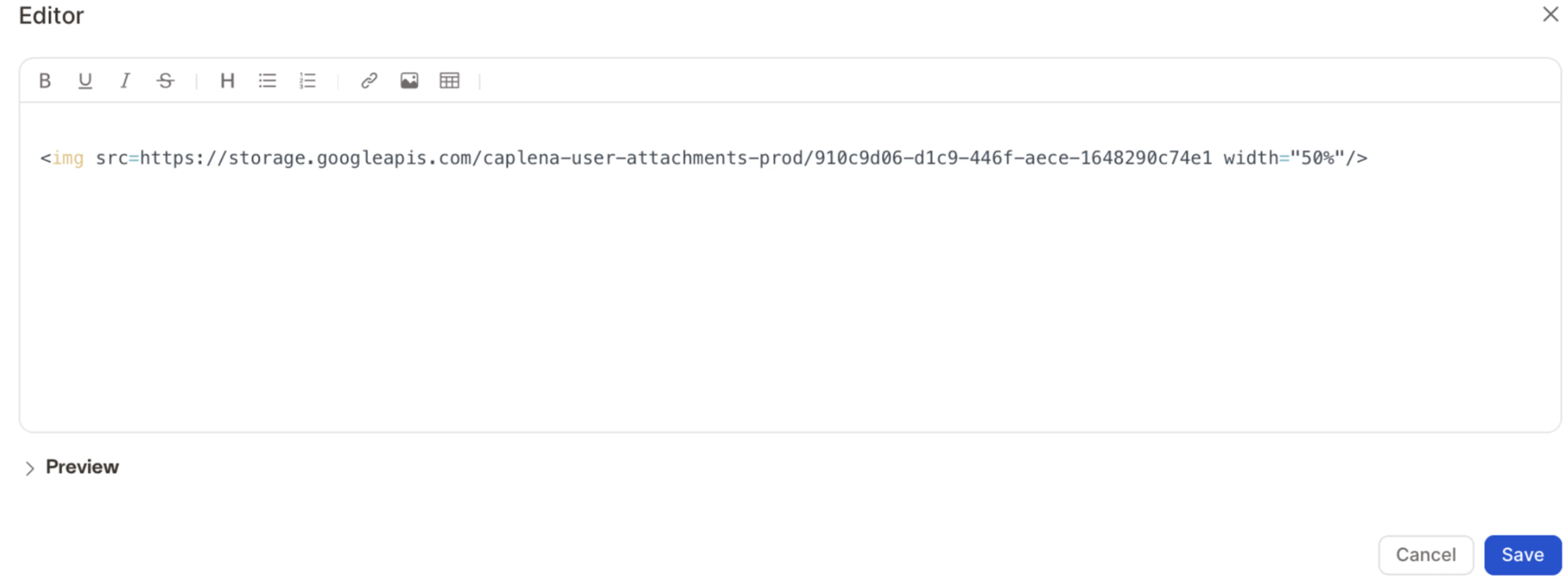
Markdown offers flexibility in image placement and custom sizing through HTML.Resize an image
Click Edit on your Markdown block, paste the following, replaceIMAGE_URL_HERE with your image’s URL, and save:
Resize and center an image
Click Edit on your Markdown block, paste the following, replaceIMAGE_URL_HERE with your image’s URL, and save: