Copy Agent output and text widgets and keep the formatting when you paste into Word, Google Docs, and other tools.
When you click the copy icon on an Agent response or a text widget in a report, Caplena copies the content with its formatting. Headings, bold and italic text, bullet lists, and tables are kept when you paste into a document.Caplena puts two versions on your clipboard:
Rich text (HTML): used by editors that support formatted paste, such as Word, Outlook, and Google Docs.
Plain text (Markdown): used by tools that only accept plain text, such as LLM chat inputs or code editors. Symbols like **, #, and - stand for bold text, headings, and bullet points.
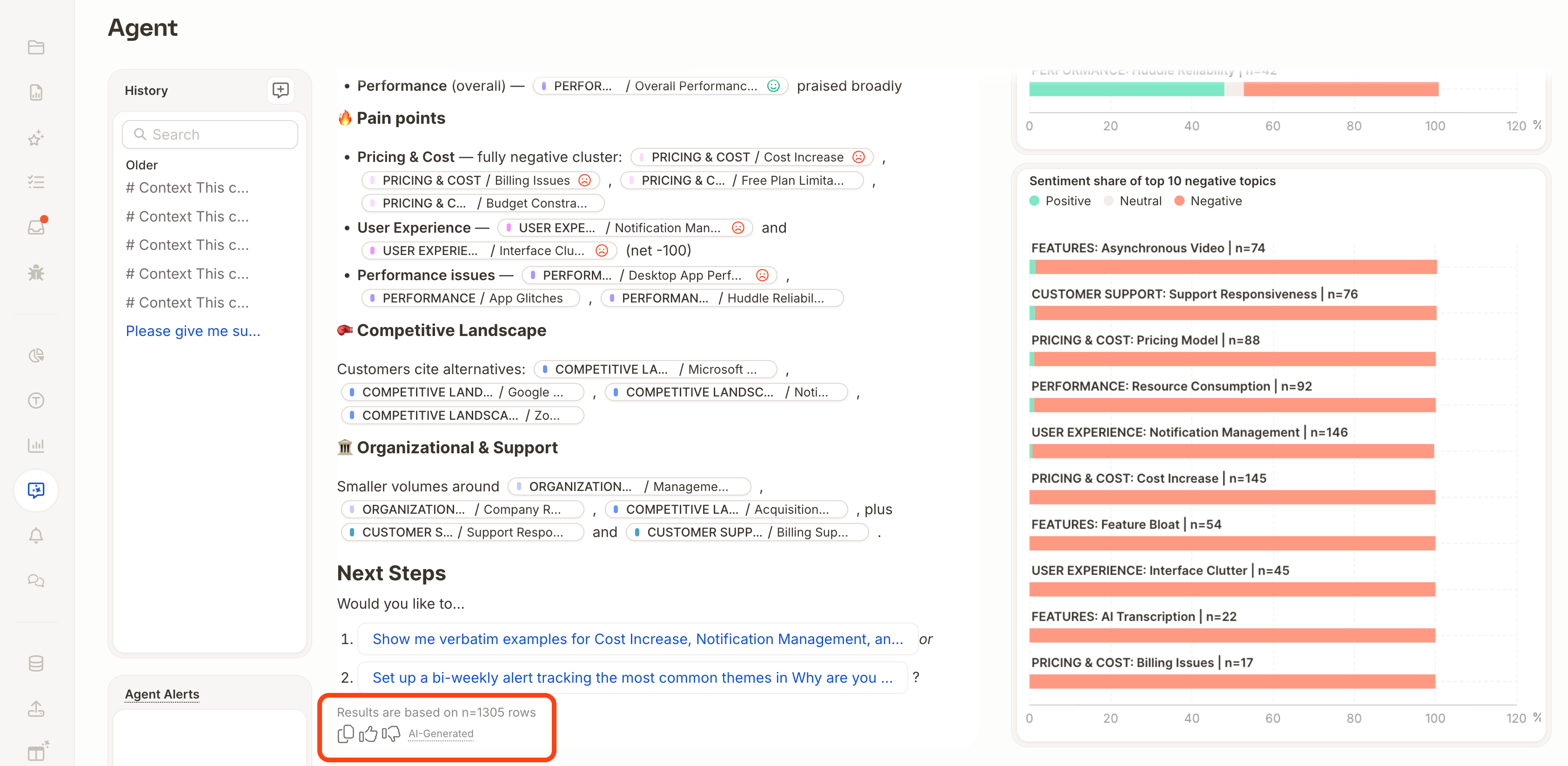
The app you paste into picks the version it supports, so you don’t need to convert anything.Topic tags in the response are copied as italic text in the format category: label.
Need only specific comments? Ask Agent for a list of the relevant comments, then copy that response. List output is short and easy to reuse.
Sharing results with stakeholders? Consider sharing a report instead, either as a live link or a PDF export. Both keep the layout and formatting intact.
Last modified on October 10, 2026
Assistant
Responses are generated using AI and may contain mistakes.