

The Golden Rule: Context Is Everything
Agent doesn’t intuitively know your intent — it reacts to the data and the prompts you provide. To get precise, actionable answers, include as much context as possible: the timeframe, the specific category, or the survey column you want to analyze.Iteration tip: Treat the first answer as a starting point. If it’s too broad, follow up: “That’s interesting — can you show me specific verbatim examples for that negative trend?”
How Agent Shapes Its Responses
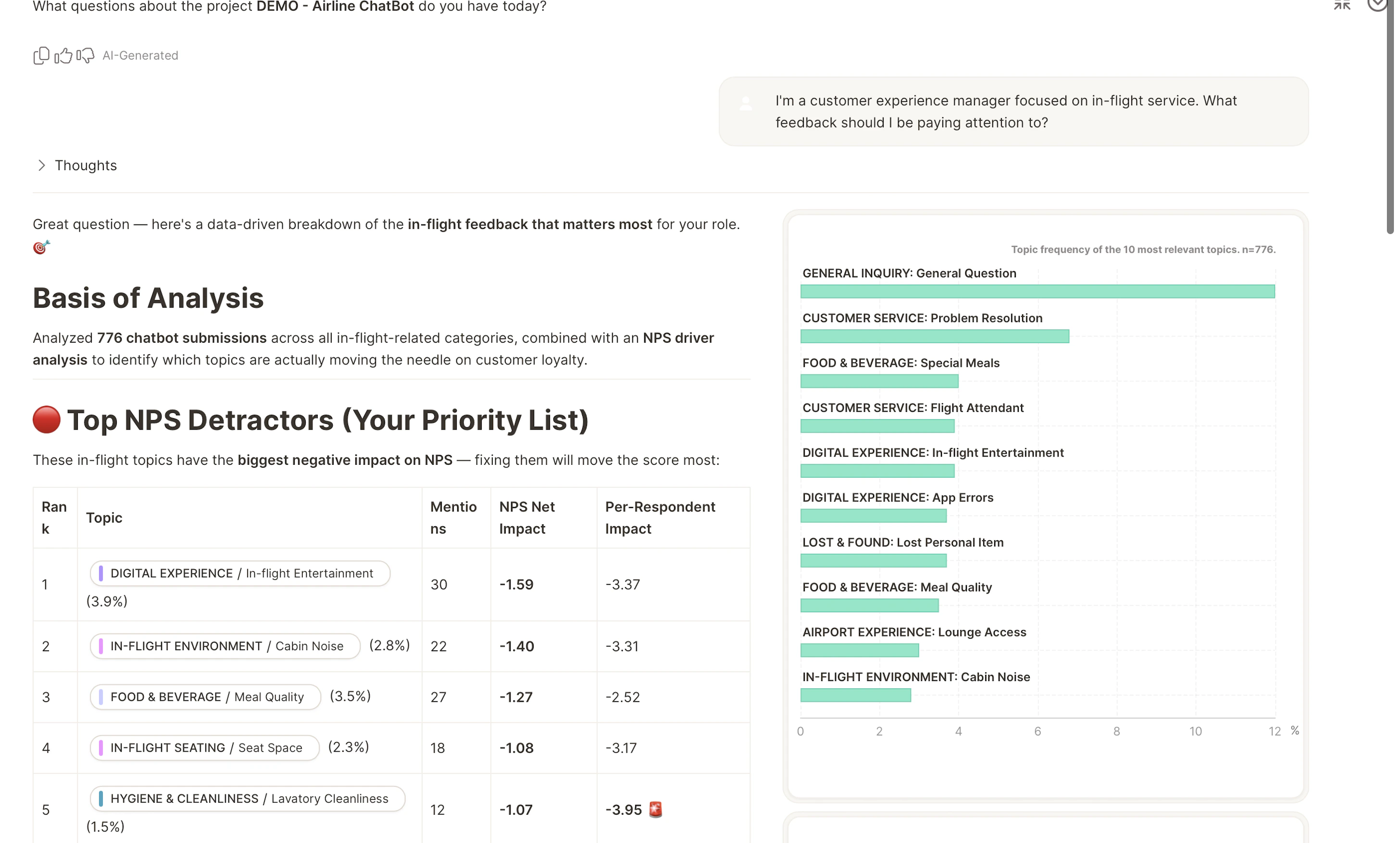
Agent doesn’t use a fixed template. It dynamically selects the visualizations, charts, or summaries that best answer your specific prompt. A simple question might return a clean text summary. A broader request about “most common issues” will automatically generate a multi-layered analysis with statistical trends, sentiment breakdowns, and representative customer comments.What to Do: Master the Conversation
These strategies consistently produce better, more targeted answers.What to Avoid: Common Pitfalls
Watch out for these habits:- Blind trust: Agent is highly accurate, but it augments your expertise rather than replacing it. If an insight contradicts your intuition, investigate it — ask for an explanation of its reasoning or cross-reference the raw data.
- Ignoring filters: If results feel “off,” a dashboard filter is often still applied. Always verify active filters in the Meta Text at the start of your response.
- Expecting magic knowledge: Agent can analyze data uploaded to Caplena and can consult Caplena’s product documentation for how-to and feature questions. It cannot access your internal documents, Slack messages, or external market trends unless they are part of the current project.
- Vague terminology: Avoid pronouns like “it” or “that” when the conversation has covered multiple topics. Use explicit category or segment names to keep Agent on track.
- Using it as a manual calculator: Don’t ask Agent to do arithmetic on numbers already shown in chat. Agent provides pre-calculated Key Quantitative Findings from the raw dataset — manual math in a chat thread introduces errors. For value mappings or mathematical operations, use the Smart Column feature instead.