

Surveys is in closed beta and not yet available to all customers. Join the waitlist to get access. Question types and settings may still change.
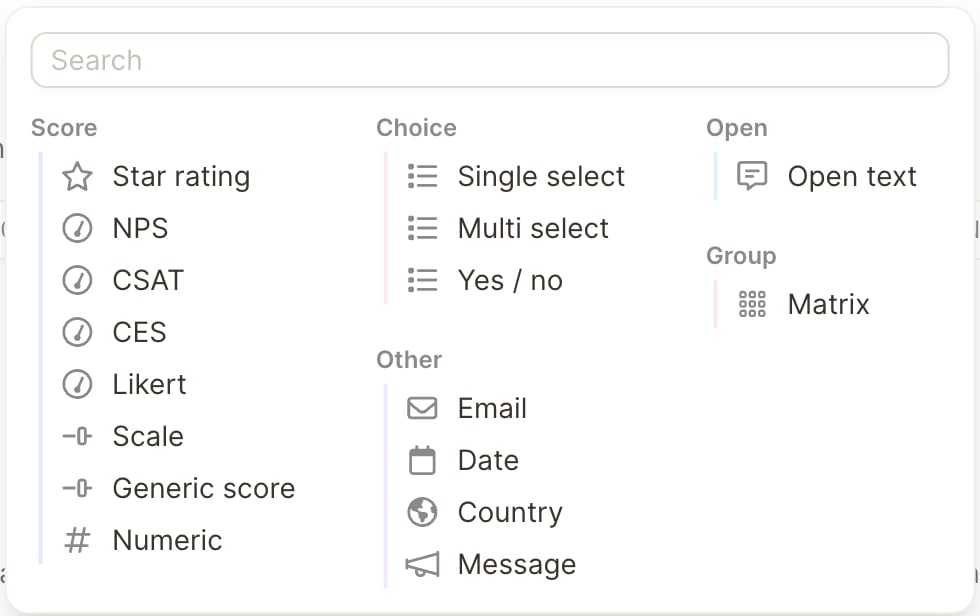
Scores and scales
Respondents answer scales of up to 12 points by tapping a number. Larger ranges show a slider.
Choice
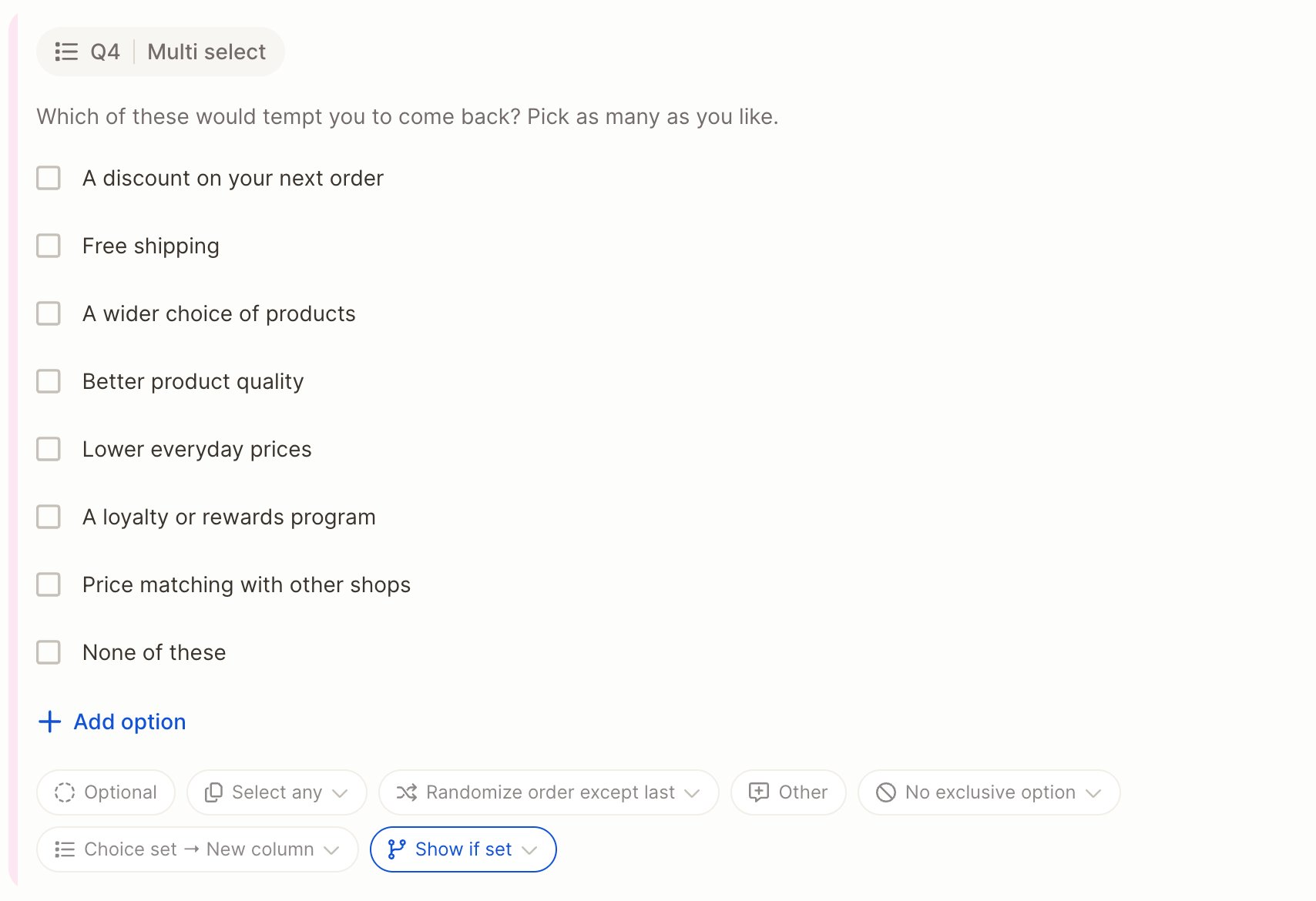
With Other turned on, respondents who choose it are asked to specify their answer in a short follow-up text. That text is stored in its own text-to-analyze column.
Open text
Open-text answers land in a text to analyze column, so you can run topic analysis on them like on any other feedback. Respondents can type or speak their answer.
Other
Questions and messages support basic formatting: bold, italic, lists and links.
Matrix
A matrix asks several items on the same scale, for example “How much do you agree with the following statements?” followed by a list of statements. Respondents answer one row after the other in a single card.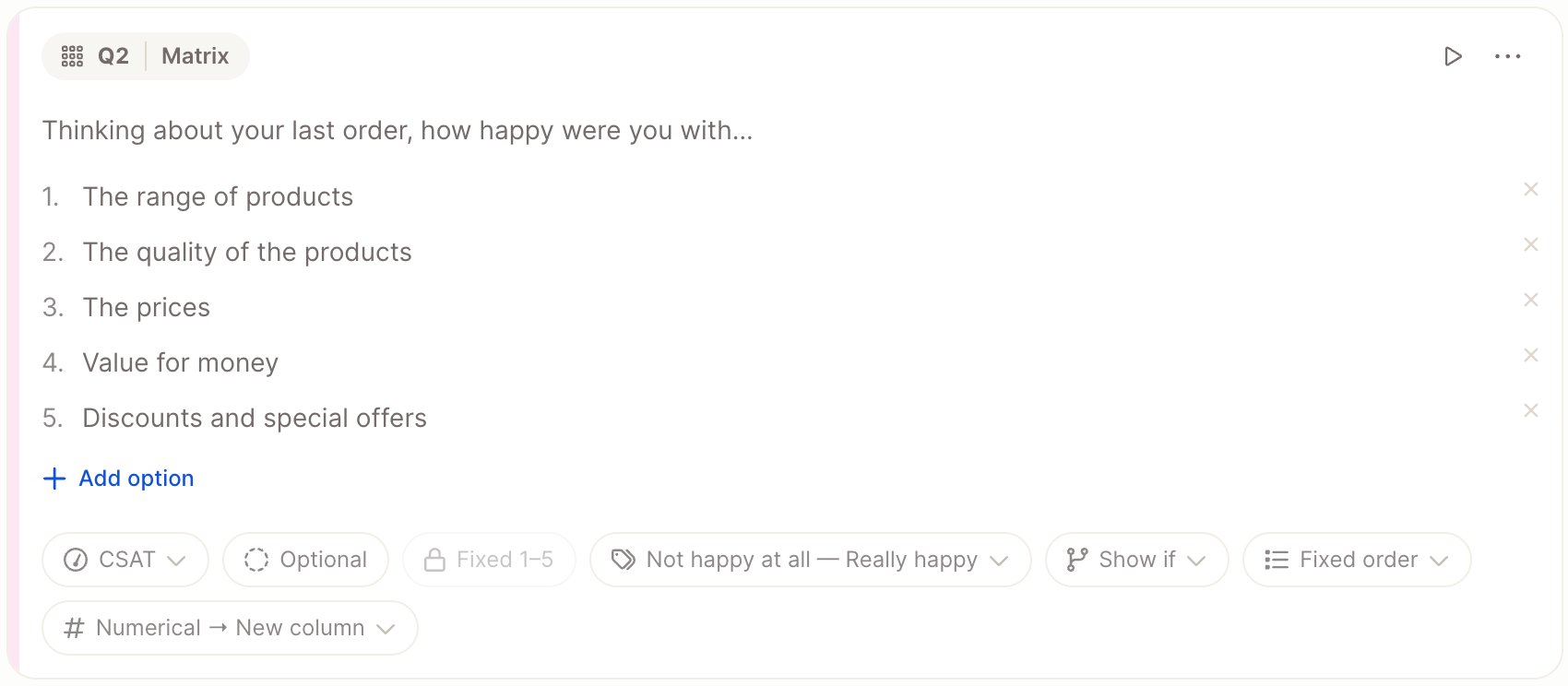
- A matrix has a shared question text and at least 2 rows.
- Rows can be fixed or shown in random order.
- Each row is stored in its own column, so you can analyze each item separately.
- Available row scales: Likert, NPS, CSAT, CES, Star rating, Generic score, Scale, Yes / no, Numeric and Single select.